🤔 常問問題 / FAQ

Language Learning Lab — AI 學習平台

⚠️ 請先連上網路

Please remember to connect the internet first

📸 裝置操作教學 / Device Tutorials

📱 如何使用 Samsung 三星平板截圖? / How to take screenshots on Samsung Galaxy Tab?

三星(Samsung Galaxy Tab)平板最常見的截圖方式是使用「實體按鍵組合」。

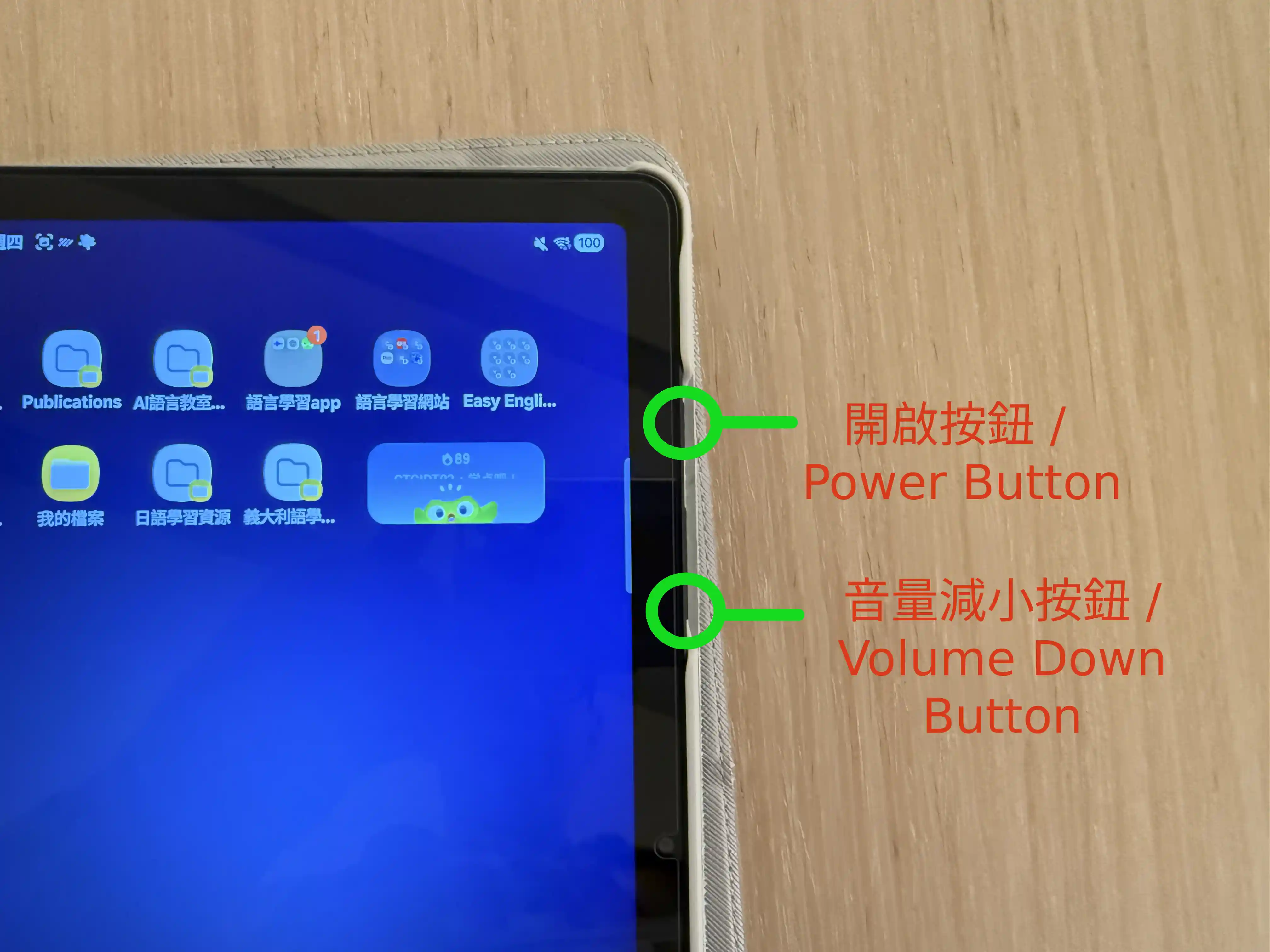
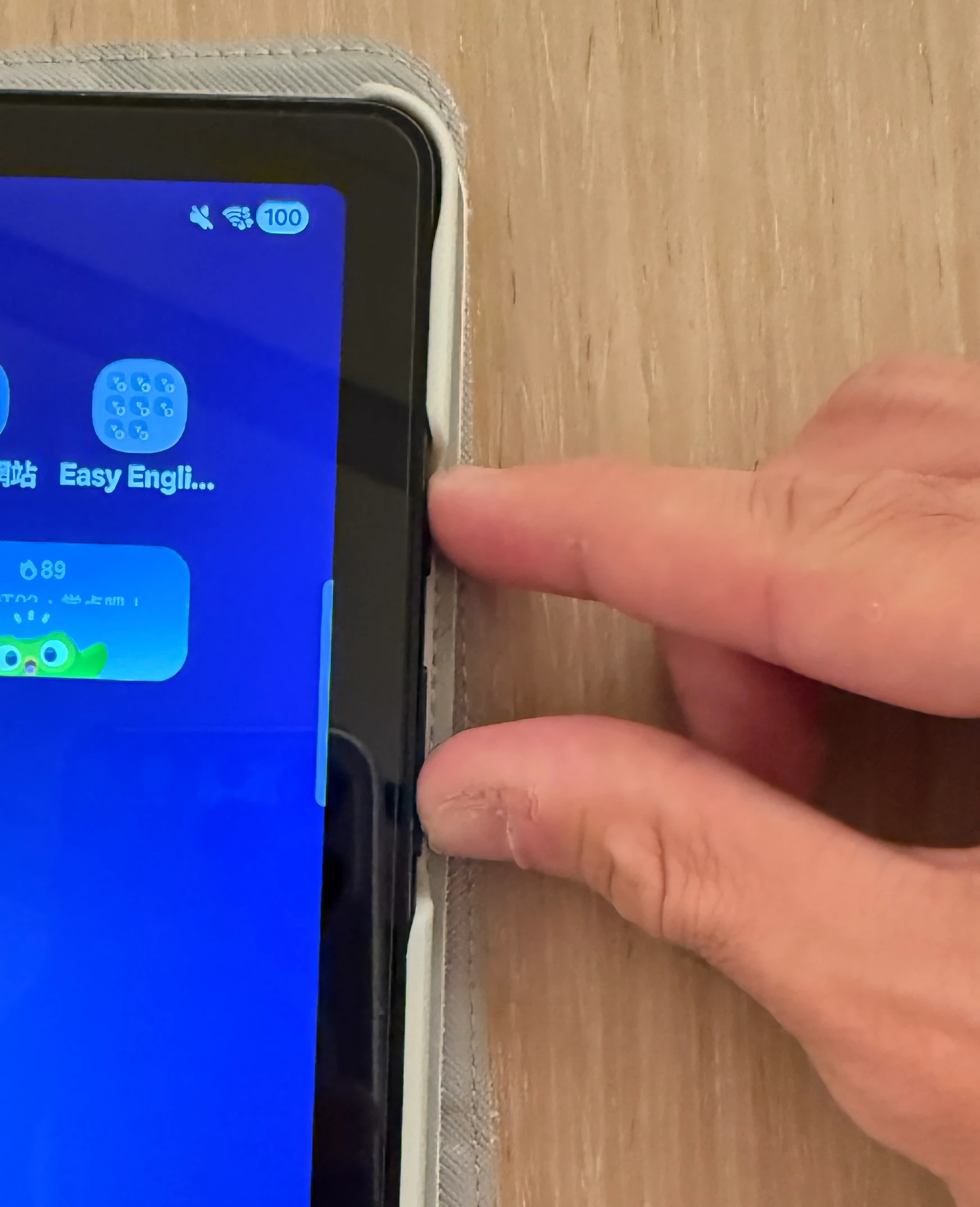
  1. 同時按下平板側邊的 「電源按鈕」「音量降低鍵」
  2. 請勿長按(長按會觸發關機選單),只需 「輕按一下」 便立刻放開。
  3. 螢幕畫面閃爍,底部出現工具列,即代表截圖成功。
Samsung buttons Fingers pressing
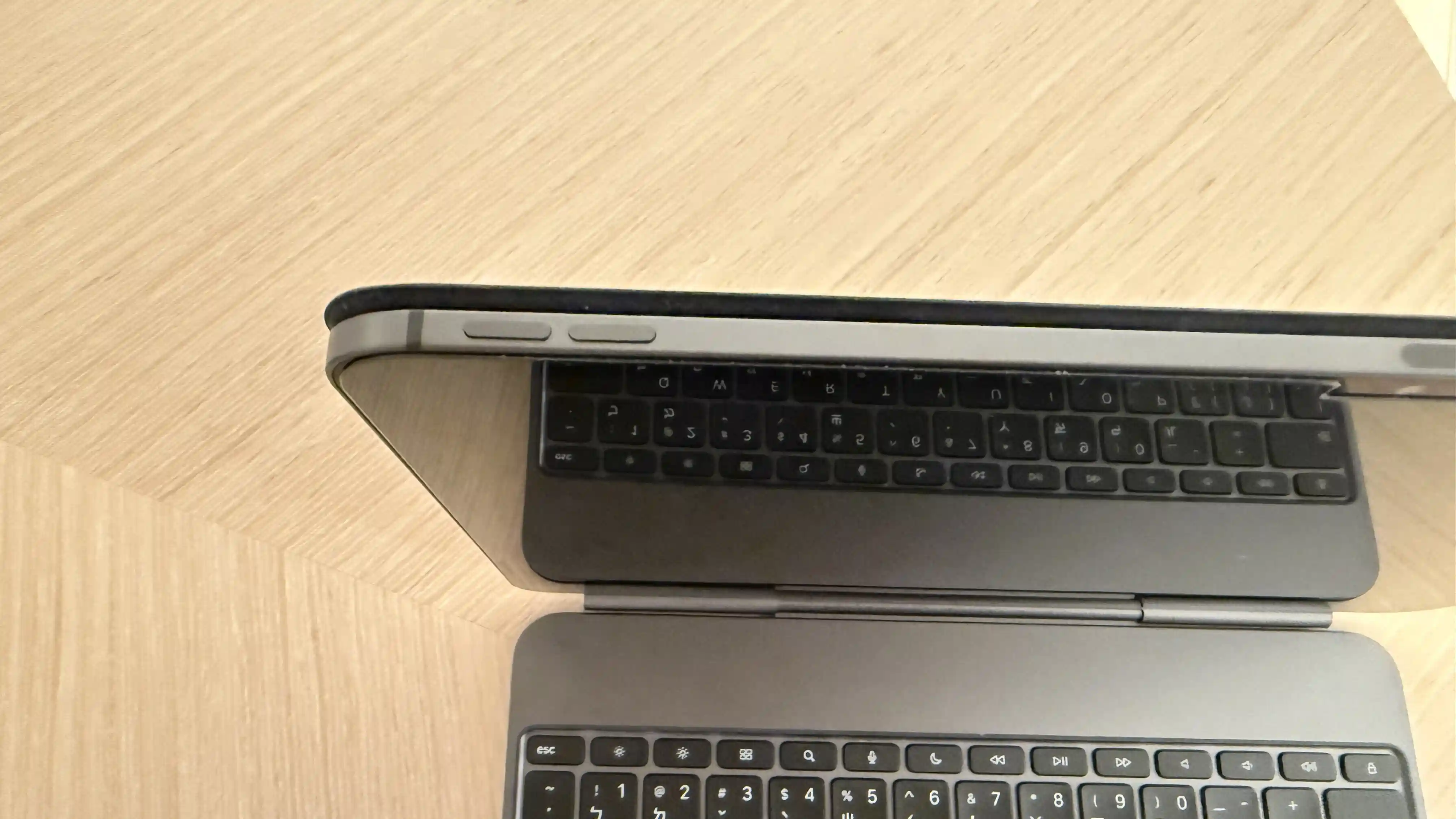
📱 如何使用 Apple iPad 截圖? / How to take screenshots on Apple iPad?

iPad(無主畫面按鈕機型)使用「實體按鍵組合」來截圖。

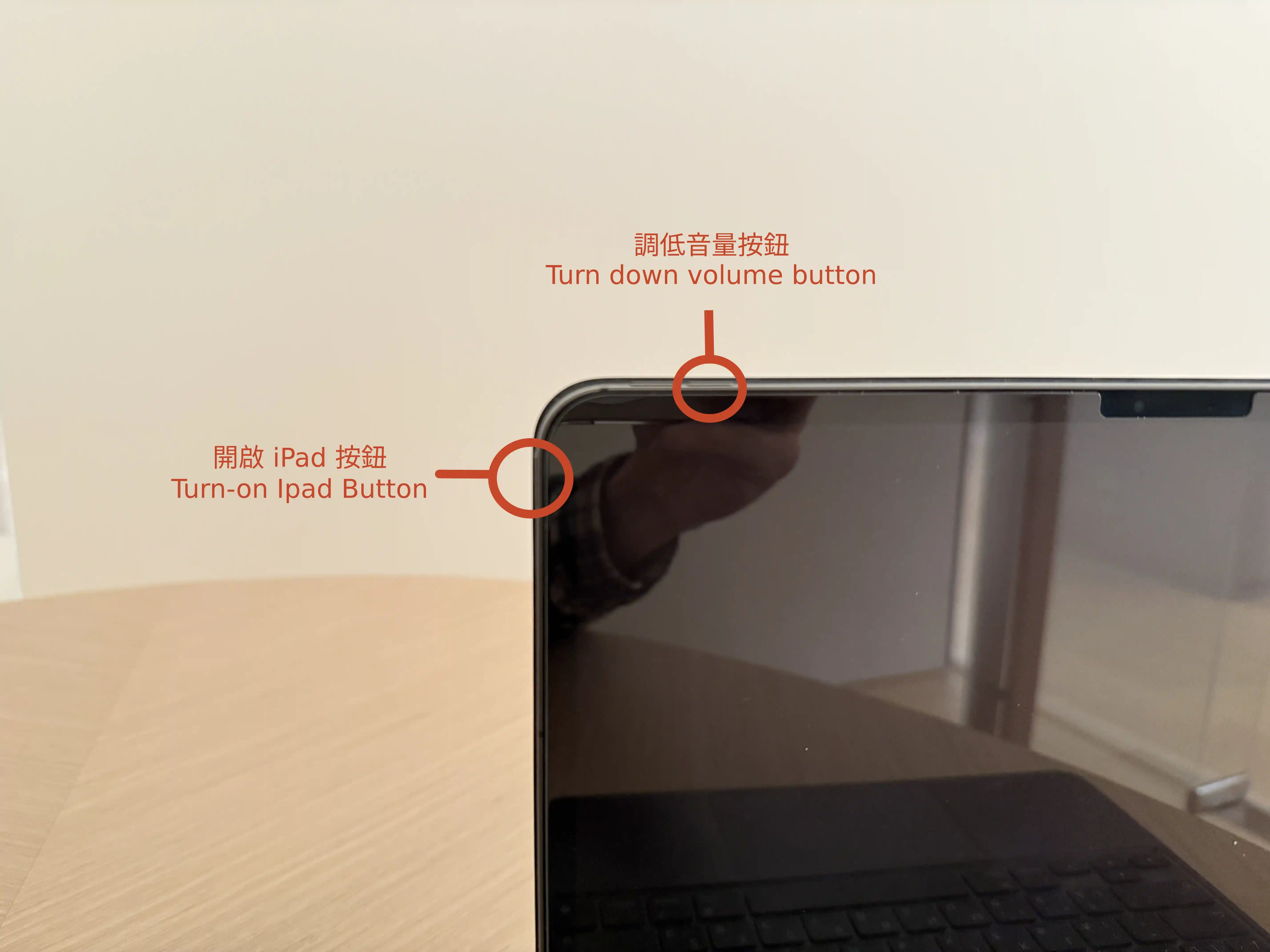
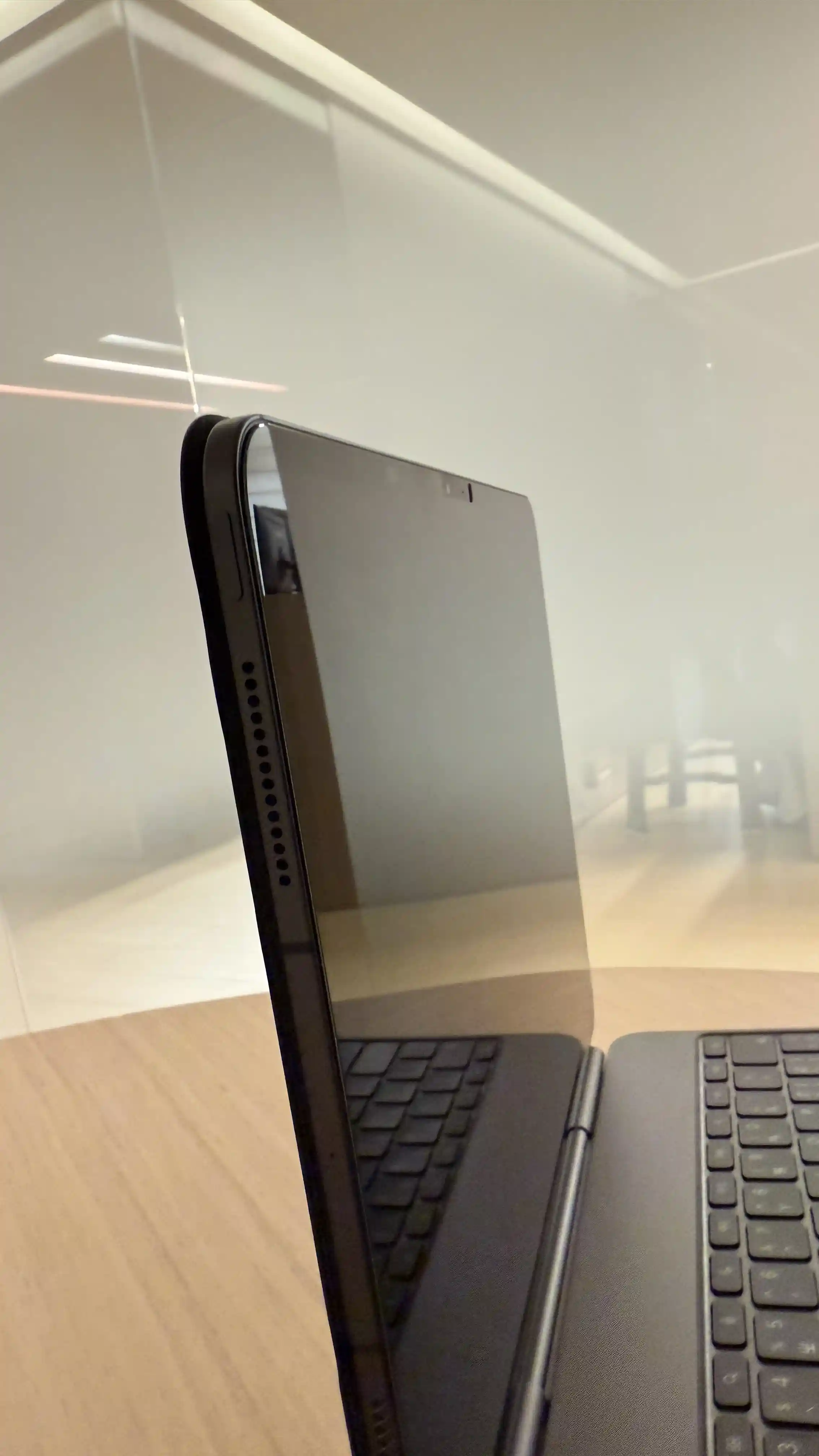
  1. 同時按下 iPad 的 「頂部按鈕(電源鍵)」 與任一個 「音量按鈕」
  2. 快速放開兩個按鈕。
  3. 螢幕會閃爍一下,左下角會出現截圖縮圖,即表示截圖成功。
iPad buttons
Power button Volume buttons